Learn to set up AI tools by yourself.
AGG is a free practical learning site for Codex and Claude Code. Follow four complete routes from account access to subscriptions, API billing and connecting another model.
Each guide explains what to do, where to do it, what result to expect and how to check it. Optional paid resources stay separate from the education.
So official, it's everywhere.
KEEP SCROLLING →

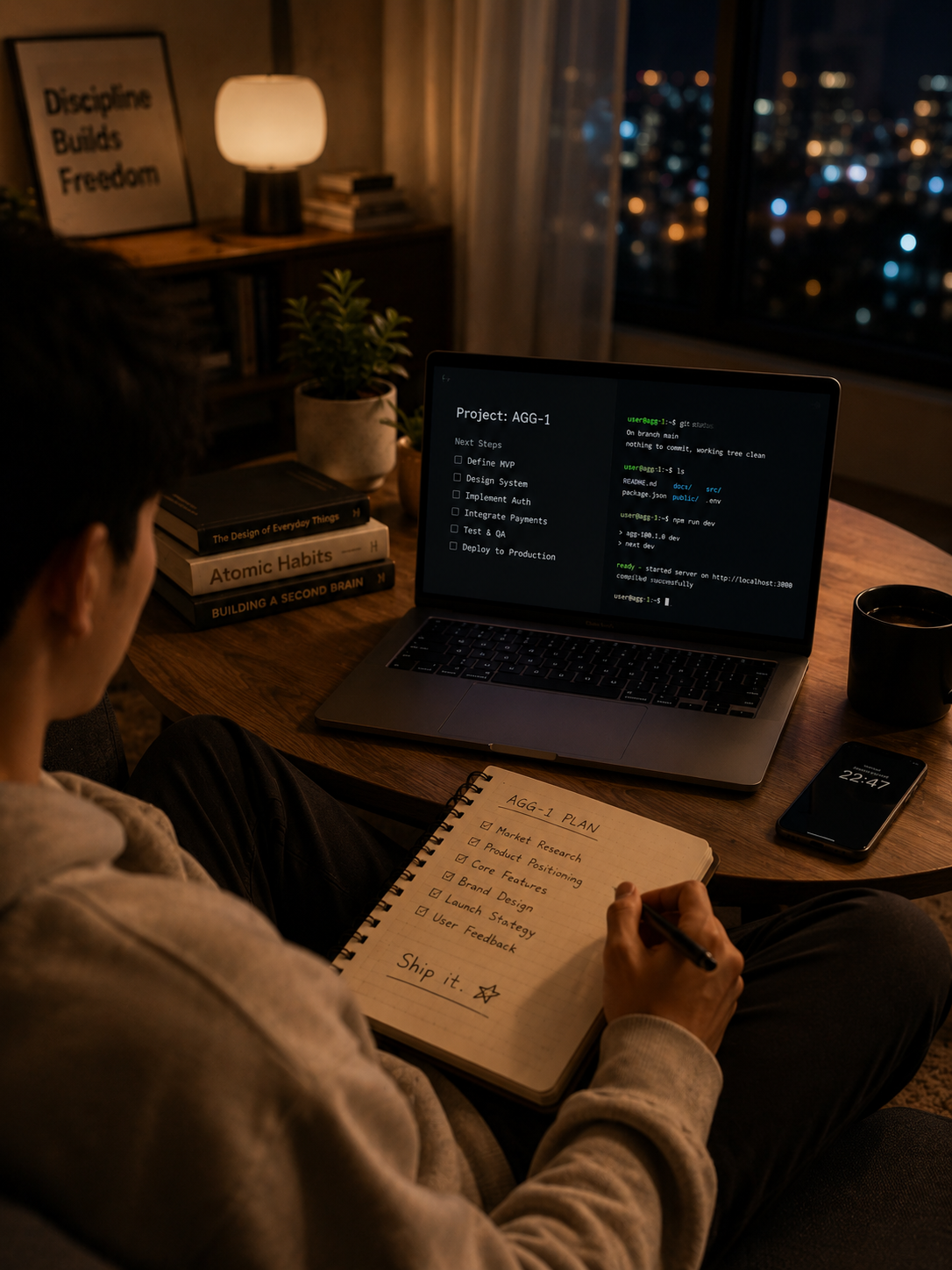
- Four complete learning routes
- Official links and local checks
- Paid services only when required
Watch a setup happen.
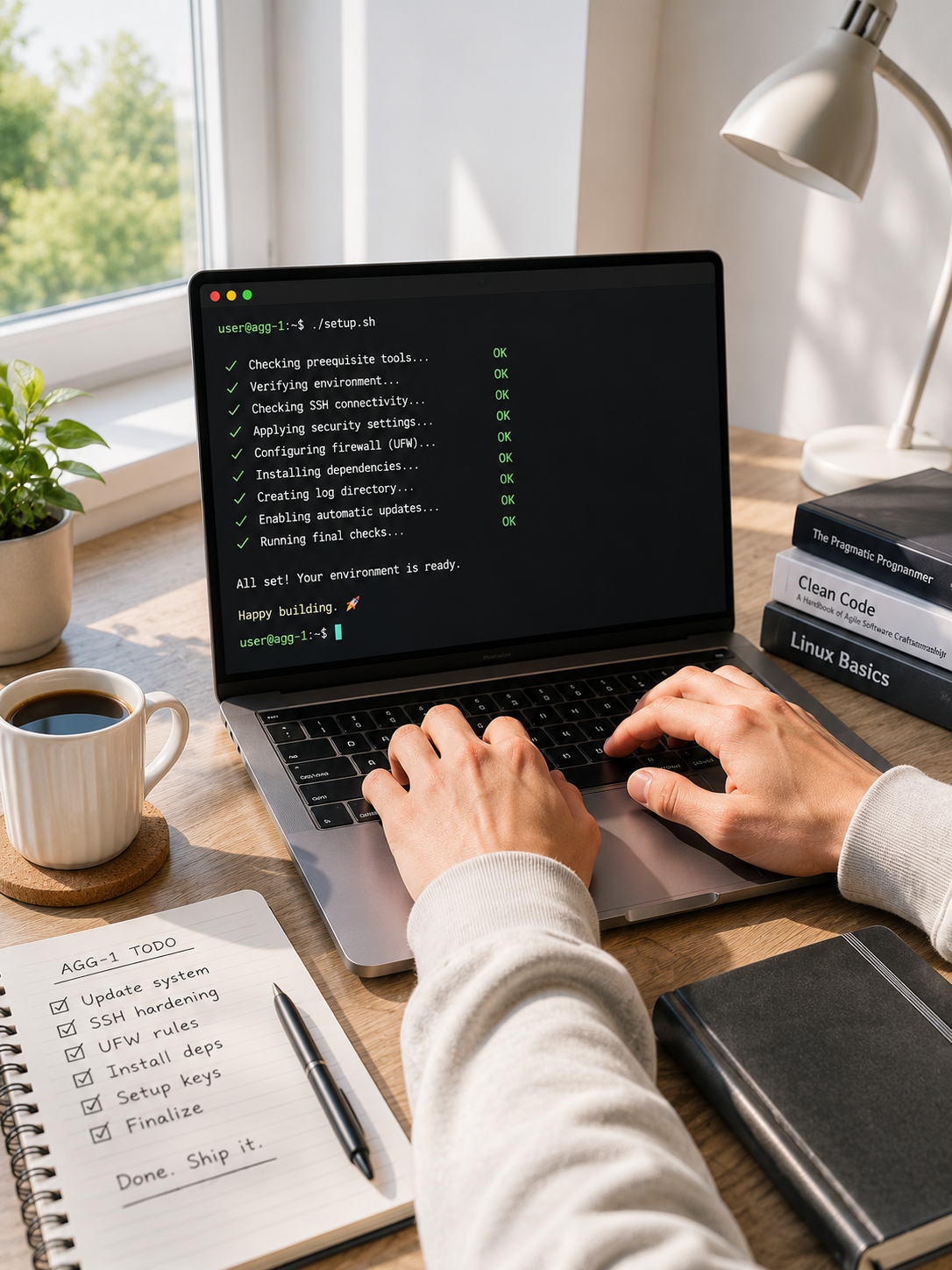
This is what a Pro session works through on your machine — verify, install, configure, check, test. Switch scenarios to see how the checklist adapts to what you're setting up.
Every link resolves to the source.
Each step points to Anthropic, OpenAI, or Google directly. Never a mirror. Never a reseller. Never a Telegram group. If we can't verify it against official docs, it doesn't ship.
Resellers involved: 0
Shared accounts: 0
Unbothered by breaking changes.
When a provider rewrites an auth flow or renames a CLI, the affected guide is re-checked against official docs within 48 hours. Drag the slider to see why guide age matters.
Choose one goal and follow the guide to a verified result.
Every free guide uses the same learning structure: understand the goal, follow official steps, check the output and keep a working reference.
Choose your learning goal
Start with an account, subscription, official API access or connecting another model API.
Follow the free steps
Each action is placed beside the correct official link, command and expected result.
Use a service code only if needed
Phone verification and manual payment support stay outside the free guides and are redeemed with one-time service codes.
Verify the result yourself
Finish with a local check so you know the account, subscription, key or connection really works.
Free guides, kept practical.
Learn from the complete process at no charge. Paid help appears only as optional service codes when an external resource may be required.
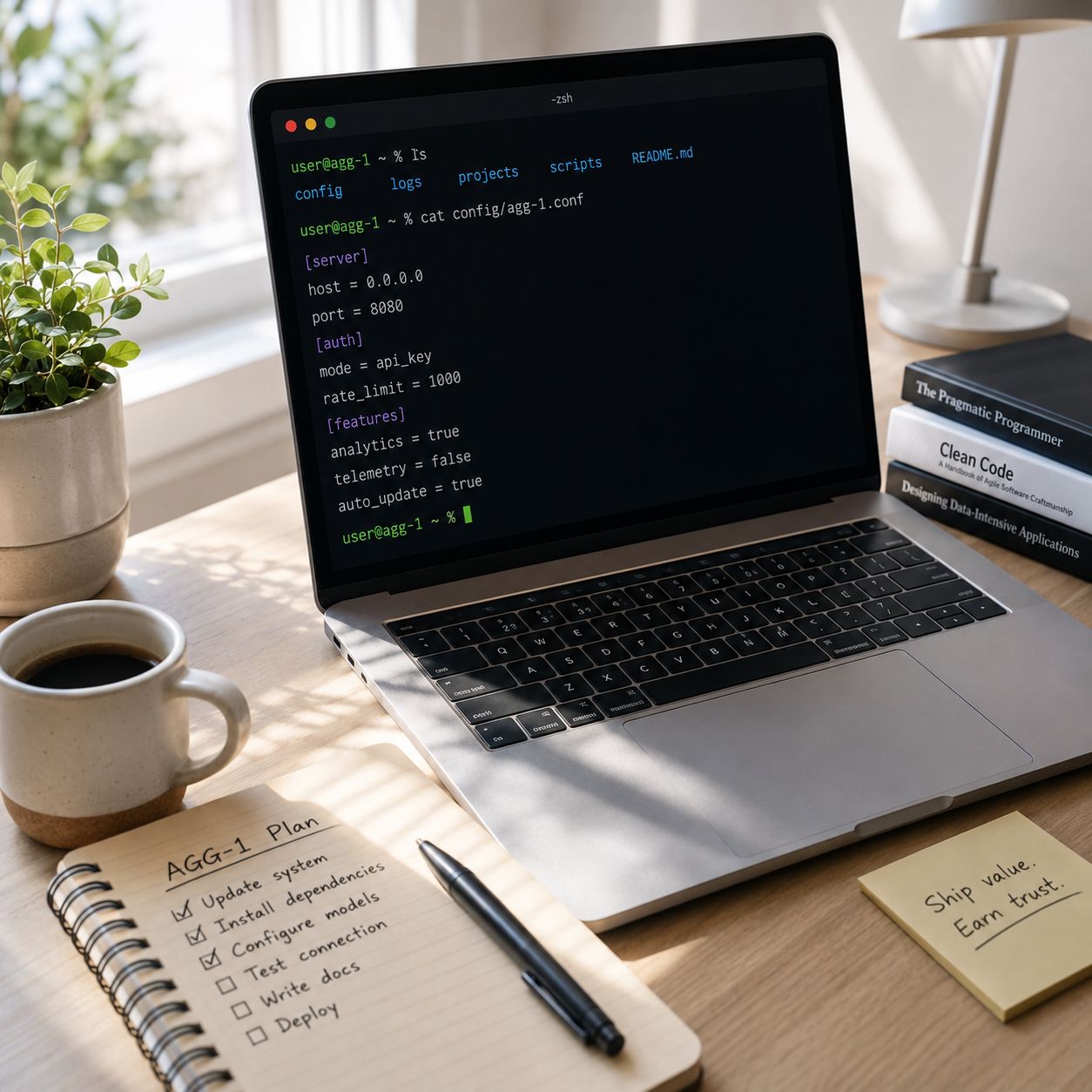
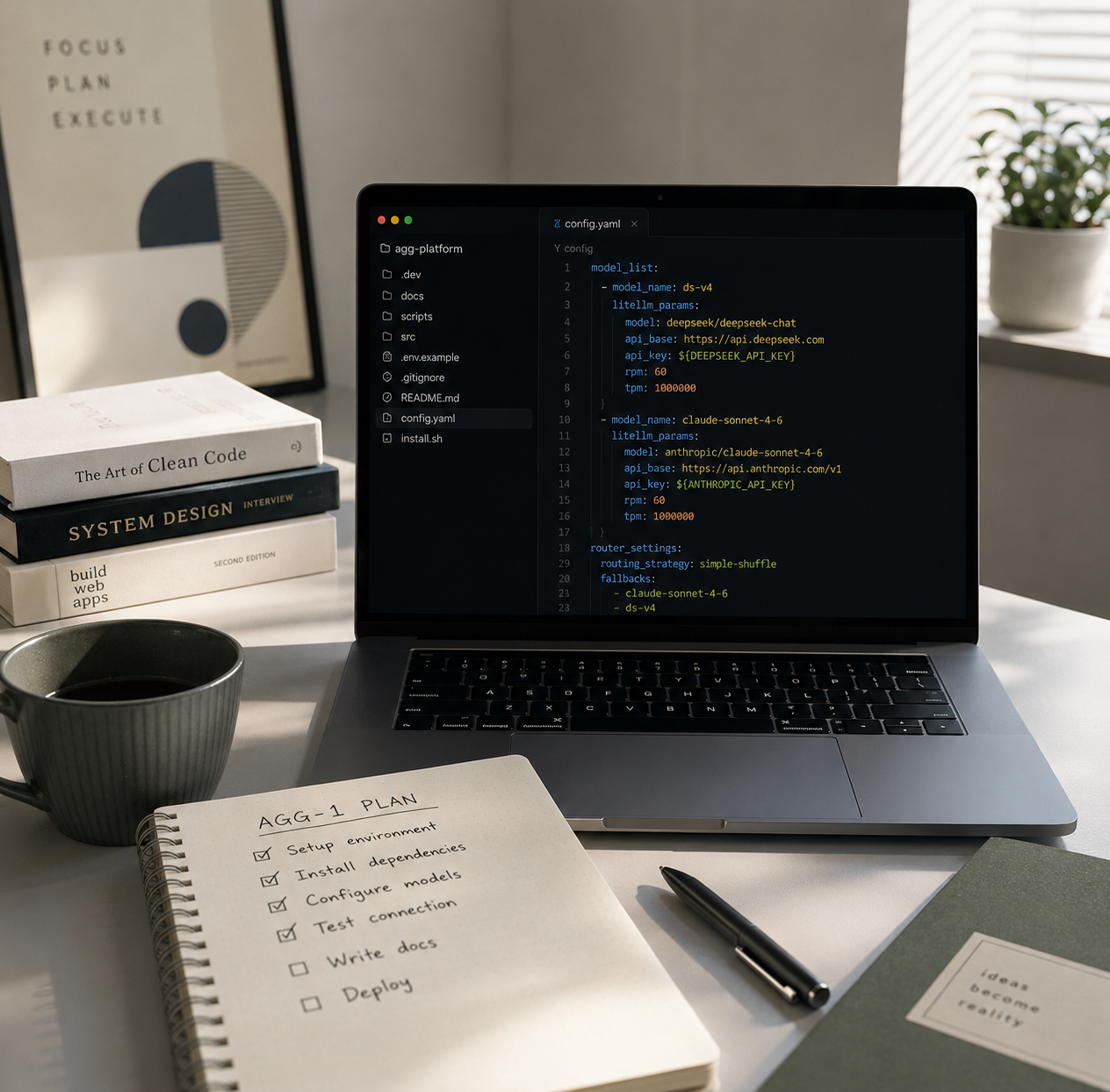
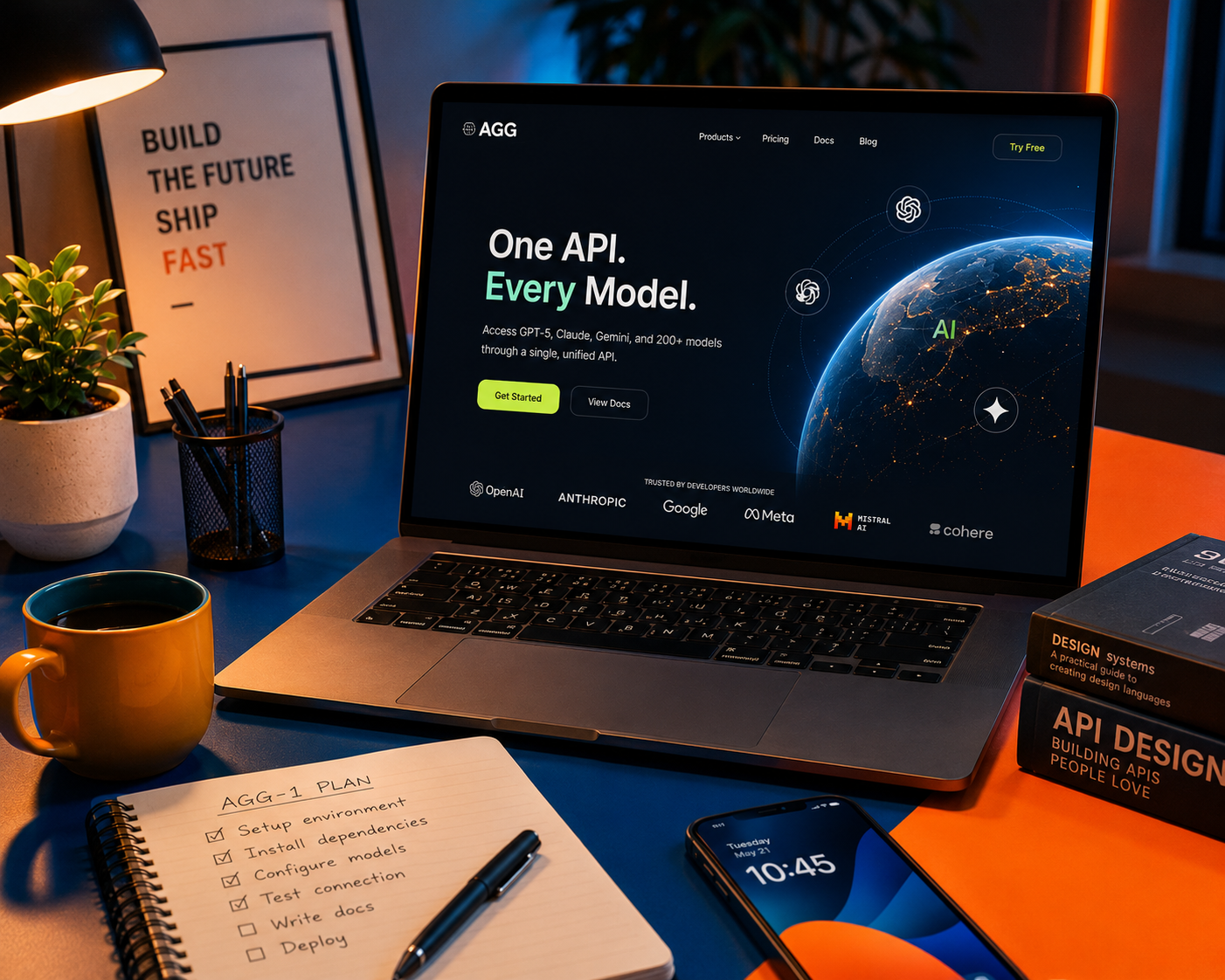

You stay in control. Always.
Setup help only works if you can trust the person helping. So the rules are strict, simple, and non-negotiable — they apply to every session and every guide.
Official sources only
Accounts are created in your name, on official pages. We never route you through mirrors, resellers, or shared accounts.
You type sensitive details yourself
Passwords, payment details, and recovery codes are always entered by you. During guided sessions we step back at those moments.
Nothing is stored on our side
API keys and tokens live on your machine. We keep the setup summary — never the credentials inside it.
No resale, ever
AGG does not resell accounts, API access, or credits. We help you set up, verify, and understand the official thing.
If it has official documentation, we can probably help.
Chat & assistants
Developer tools
Access & APIs
Something else? Ask us — if the official docs exist, we'll tell you honestly whether we can help.
The situations AGG was built for.
Typical setups we handle — if one of these sounds like your week, you're in the right place.
"I've installed Node three times and the terminal still says 'command not found'."
What we do: fix PATH properly, install Claude Code from the official package, authenticate, and run a live end-to-end test — in one session.
"I don't know if I need the subscription or the API — and I don't want to pay for both."
What we do: map your actual usage to the right plan, set up official billing with spend limits, and document what you're paying for and why.
"I bought a 'cheap API key' from a reseller and it just stopped working."
What we do: move you to an official key under your own account, set usage caps, and show you how to keep it from leaking.
Questions people ask before starting.
What exactly does AGG help me set up?
Official AI tools and the environment around them: chat assistants (ChatGPT, Claude, Gemini), developer tools (Claude Code, Codex), API access, accounts, billing, and the system prerequisites (Node.js, PATH, terminals) they depend on.
Do you sell accounts or API keys?
No, never. Everything is set up under your own accounts, on official pages, at official prices. If someone offers you a "cheap shared key", that's exactly the thing we help people recover from.
Do I need to share my password?
No. You type all passwords, payment details, and verification codes yourself. During a supported session, we tell you what to enter and where — we never ask you to hand over credentials.
Do you support both Windows and Mac?
Yes. Guides and supported sessions cover Windows 10/11 and macOS. Windows quirks — PATH, PowerShell policies, permission errors — get special attention because that's where most setups fail.
How long does setup usually take?
A typical supported session takes 30–60 minutes depending on the tool and the state of your machine. Self-serve with the guide usually takes a bit longer the first time.
What happens if the setup fails?
We keep working until it passes a live end-to-end test, or you don't pay. If something breaks within your 30-day support window afterwards, the same person fixes it at no extra cost.
Is this for beginners or developers?
Both. Guides explain what a terminal is before asking you to open one, but the steps are rigorous enough that developers use them as a checked reference instead of gambling on forum posts.
Are the guides free?
Yes. All four setup guides are free to read. Paid help is separate and uses one-time service codes bought from an external marketplace listing.
Can I use only the free guides?
Yes. The guides cover the complete learning process. Phone verification and manual payment support are optional optional phone verification add-ons.
Where do paid services appear?
Only on the Virtual phone page. Reading the guides does not create an order or charge.
Ready to learn the setup yourself?
Choose the free guide that matches your goal. Each route explains the official steps and ends with a check that proves the result works.
Prefer to ask first? Email yanglinyi887@gmail.com — a person replies.

Official-source setup help for advanced AI tools. We help you move from confusing documentation to a working, verified setup — and we never resell accounts or access.